AU · VST3 · CLAP
VST3 · CLAP
A new genre of plugin.
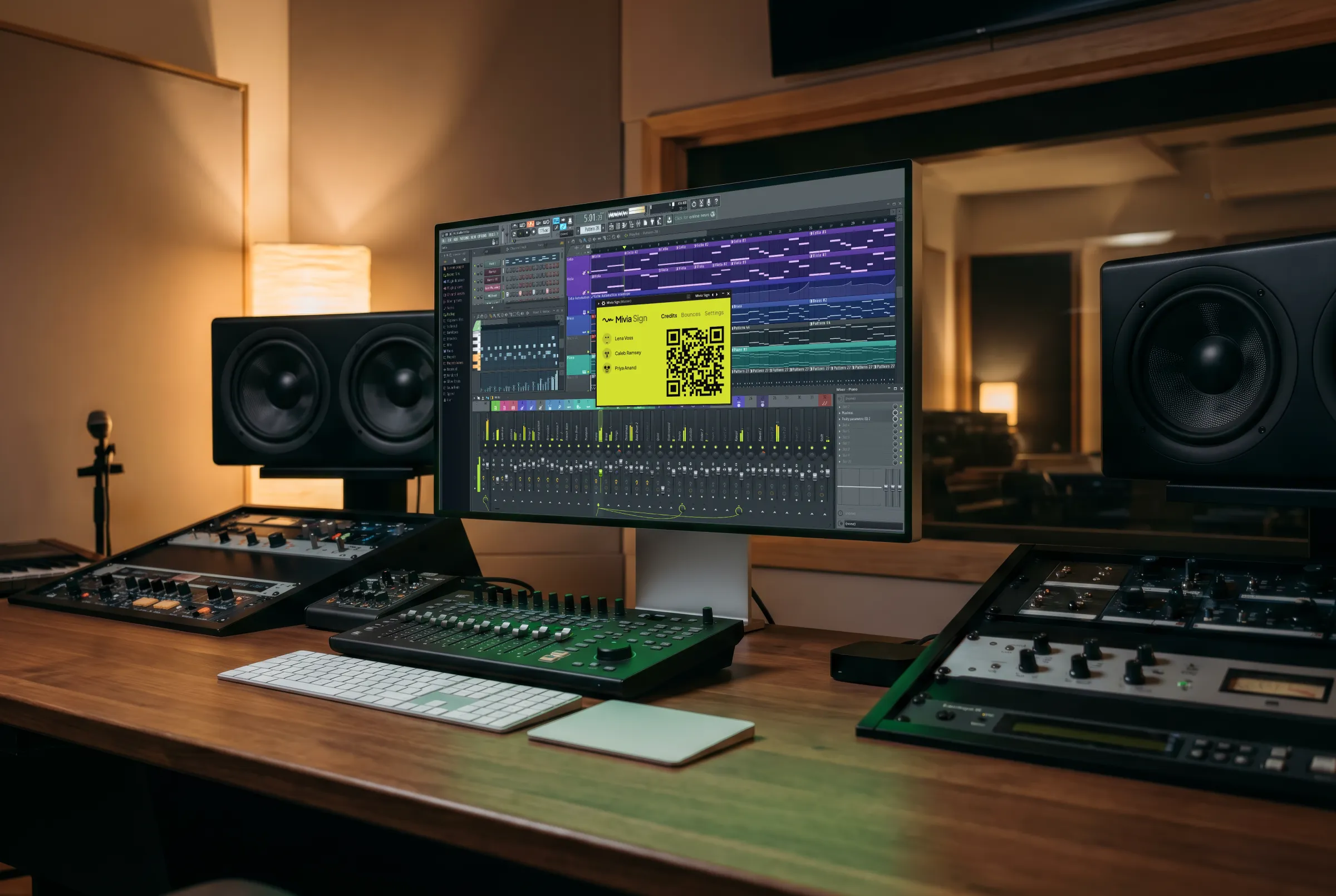
Add Mivia Sign to your master channel. Every bounce comes out fingerprinted, credited, and filed in your Mivia library. All automatically.
macOS 11+ arm64 · Windows 10+ x64 · available to Mivia Pro users

6 this project
Open library
Interactive demo
EXPLORE THE PLUGIN
Credit everyone.
Have a play with the live plugin on the left. Anyone in the room scans the QR on the screen to add themselves to the session. lists every signed export automatically. Open the project years later and the full credit list is still there.
ADD TO MASTER BUS
Forget it's there.
Drop Mivia Sign on the master bus or in your DAW's template. Every bounce comes out fingerprinted and filed in your Mivia library, with collaborators credited automatically.
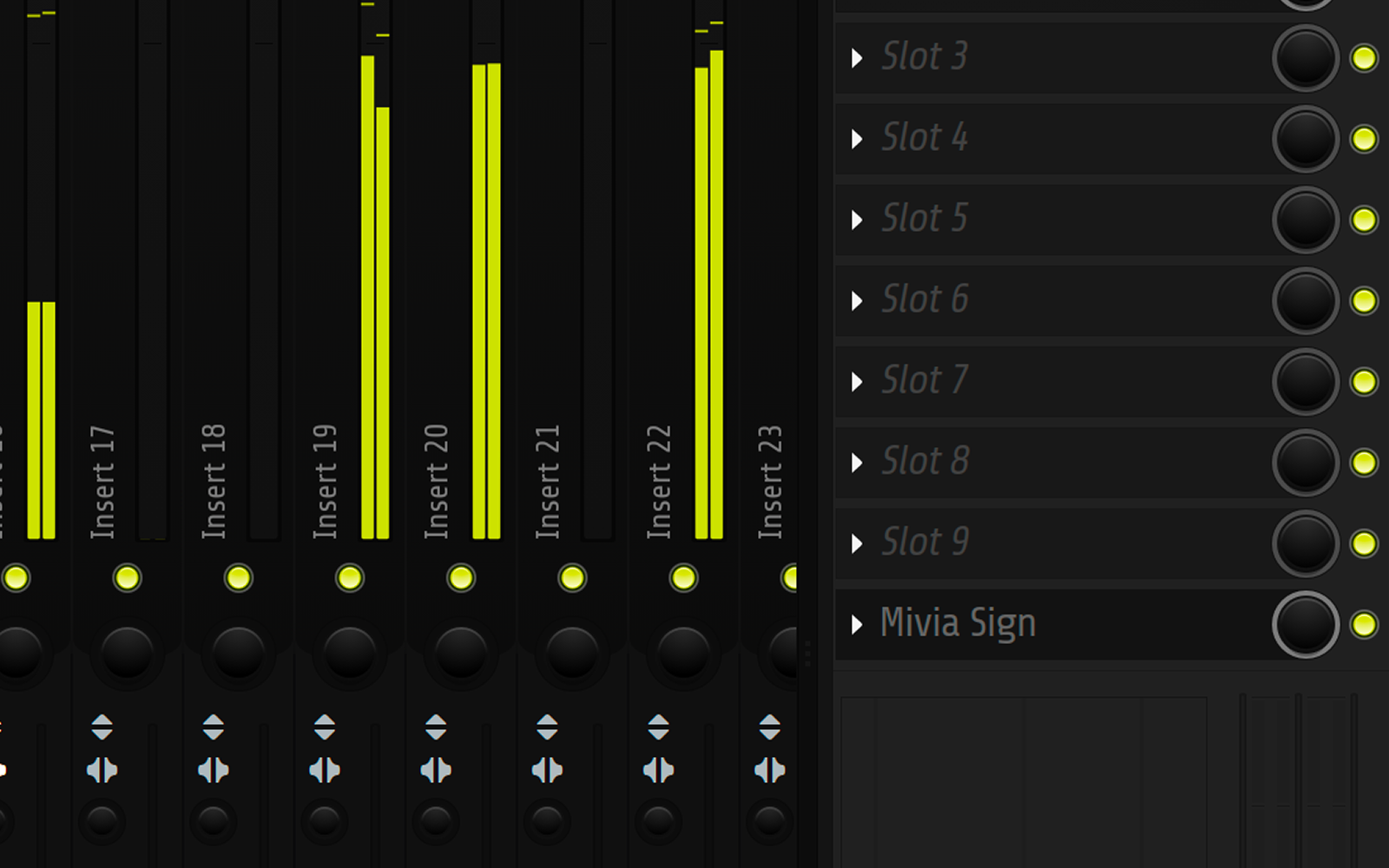
- 0 Bytes
- modified
- 0 ms
- added latency
- 0 Changes
- to your file
FINGERPRINTING
Listens, never touches.
The plugin computes an acoustic fingerprint from your bounce and stores it in your library. Your audio file is never modified, never re-encoded, and we delete it from our servers when fingerprinting finishes.
CREDITS
Scan to join session.
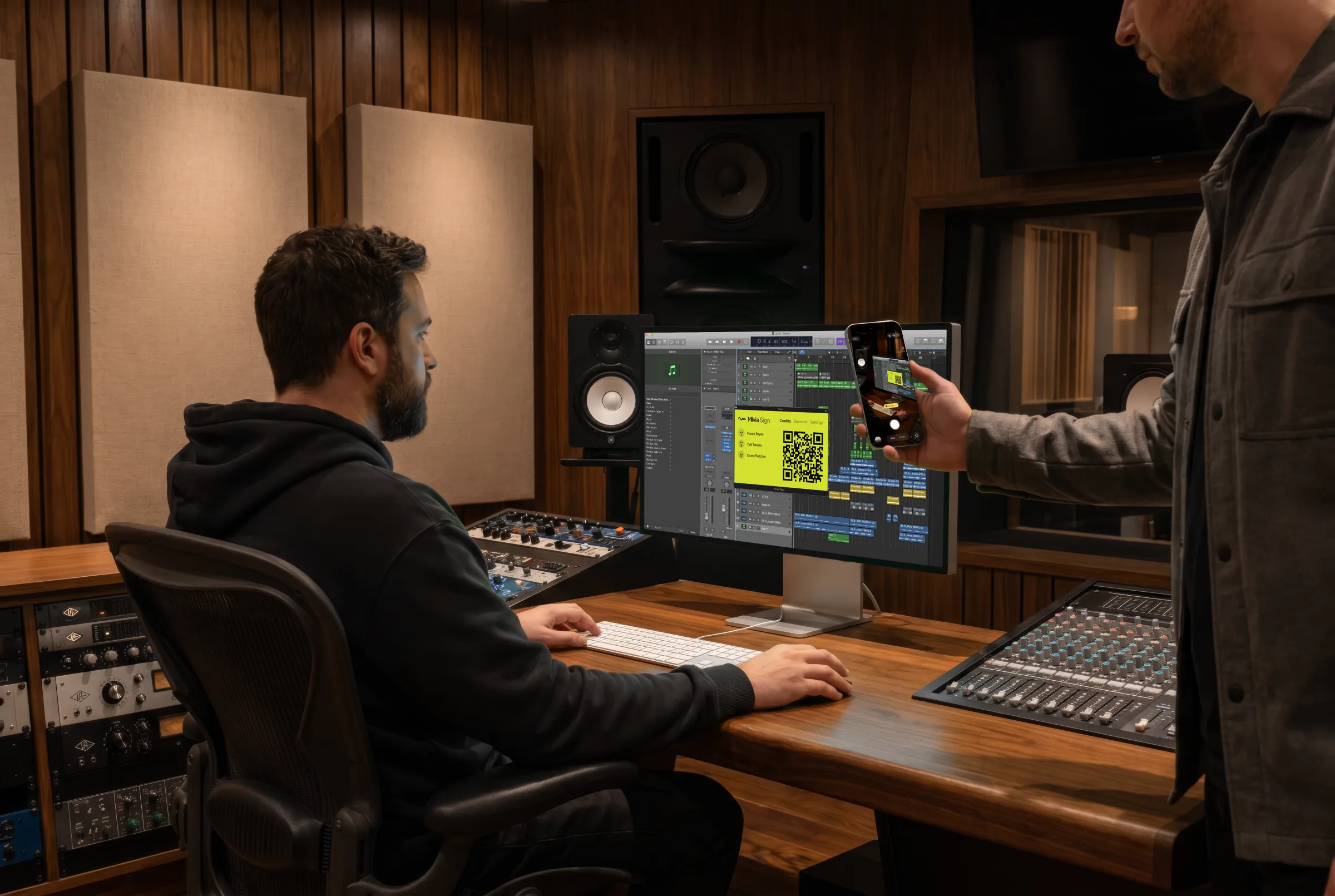
Anyone in the room scans the QR on the plugin and signs in. They land on your next bounce, credited in everyone's library, automatically.
Open plugin.
Add Mivia Sign to your master bus. The QR pairing code sits in the plugin window.
Scan QR.
Anyone in the room scans the QR from their phone to join the session.
Sign in.
Or sign up quickly with just your artist name, email, username, and password.
Locked in.
Collaborators instantly appear in the plugin, on every bounce, and in everyone's library.
LIBRARY
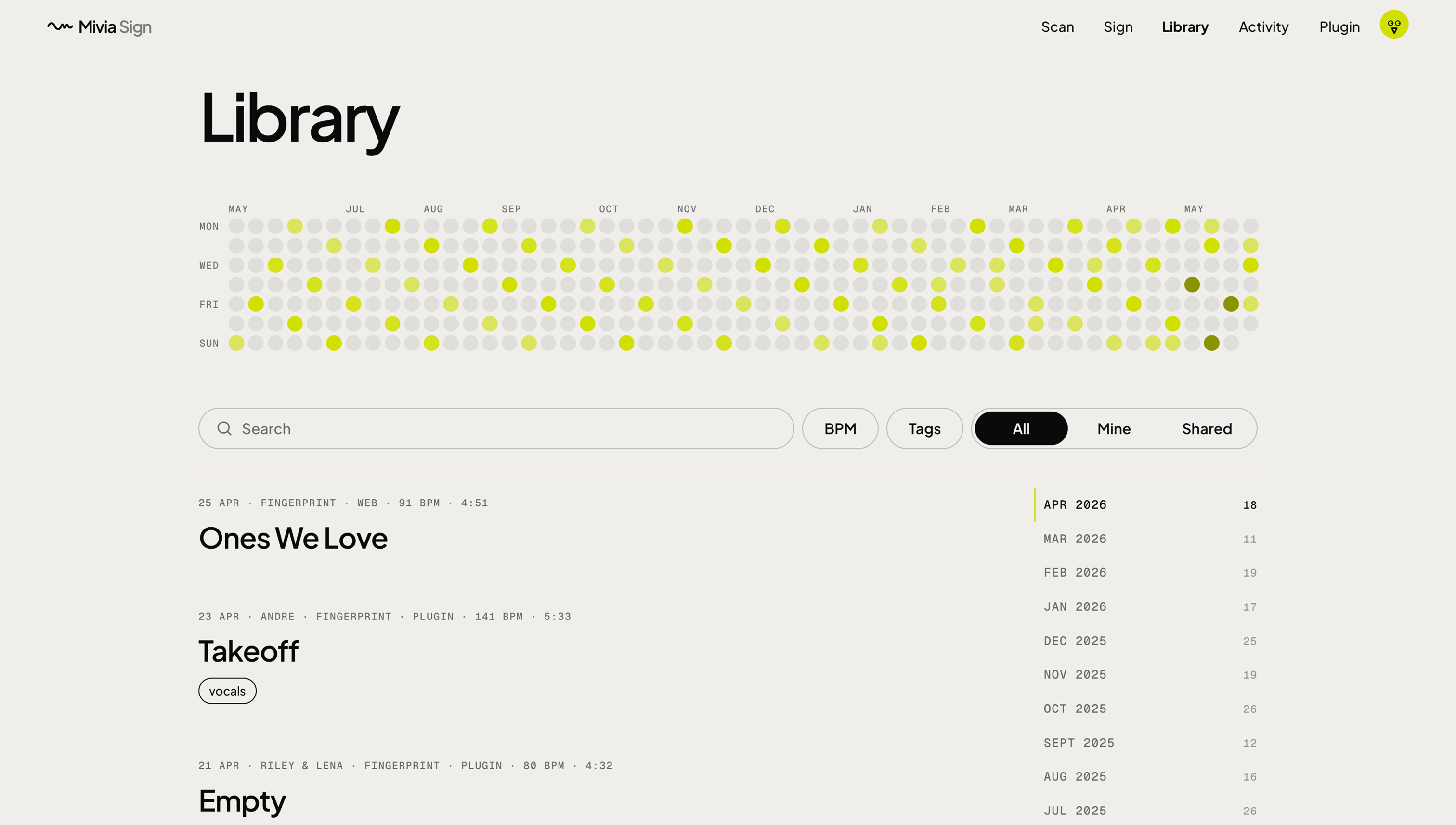
Filed automatically.
Every bounce in your DAW automatically appears in your Mivia library. Every draft, every alt, every final. Searchable, timestamped, and tied back to the project file it came from.
Download.
Installs the Mivia Sign plugin and the Mivia Helper - everything you need, in one download.
macOS 11+ arm64 · Windows 10+ x64 · Support for the full notes.